Heuristic evaluation
Flags usability risks using established interaction principles and severity levels.
UX-Ray, independent R&D
AI-assisted UX evaluation
An independent R&D project exploring how AI can reduce audit friction and bring clearer feedback into Figma.

The three steps keep review in the design canvas, moving from a selected interface to structured findings the team can discuss.
Design reviews depend on time, reviewer availability, and a shared understanding of quality. As products and design systems grow, heuristic checks, accessibility review, visual hierarchy, and brand compliance become difficult to apply consistently.
UX-Ray explores an AI-assisted evaluation layer inside Figma. The concept combines design metadata, visual analysis, and structured recommendations so designers can review work earlier while keeping judgment and final decisions with the team.
"The goal was never to replace designers. The goal was to reduce operational friction, accelerate evaluation cycles, and bring clarity to design decisions through AI-assisted workflows."
The video follows the working sequence from frame selection through analysis and categorized recommendations.
UX-Ray explores how AI can support design evaluation directly in the environment where designers work. The plugin analyzes Figma frames against usability heuristics, accessibility indicators, visual hierarchy principles, and custom brand guidelines.
The project responds to a practical operations problem: UX reviews often happen late, vary by reviewer, and consume time that product teams rarely have. UX-Ray was designed to provide faster, structured feedback while keeping strategic judgment in human hands.
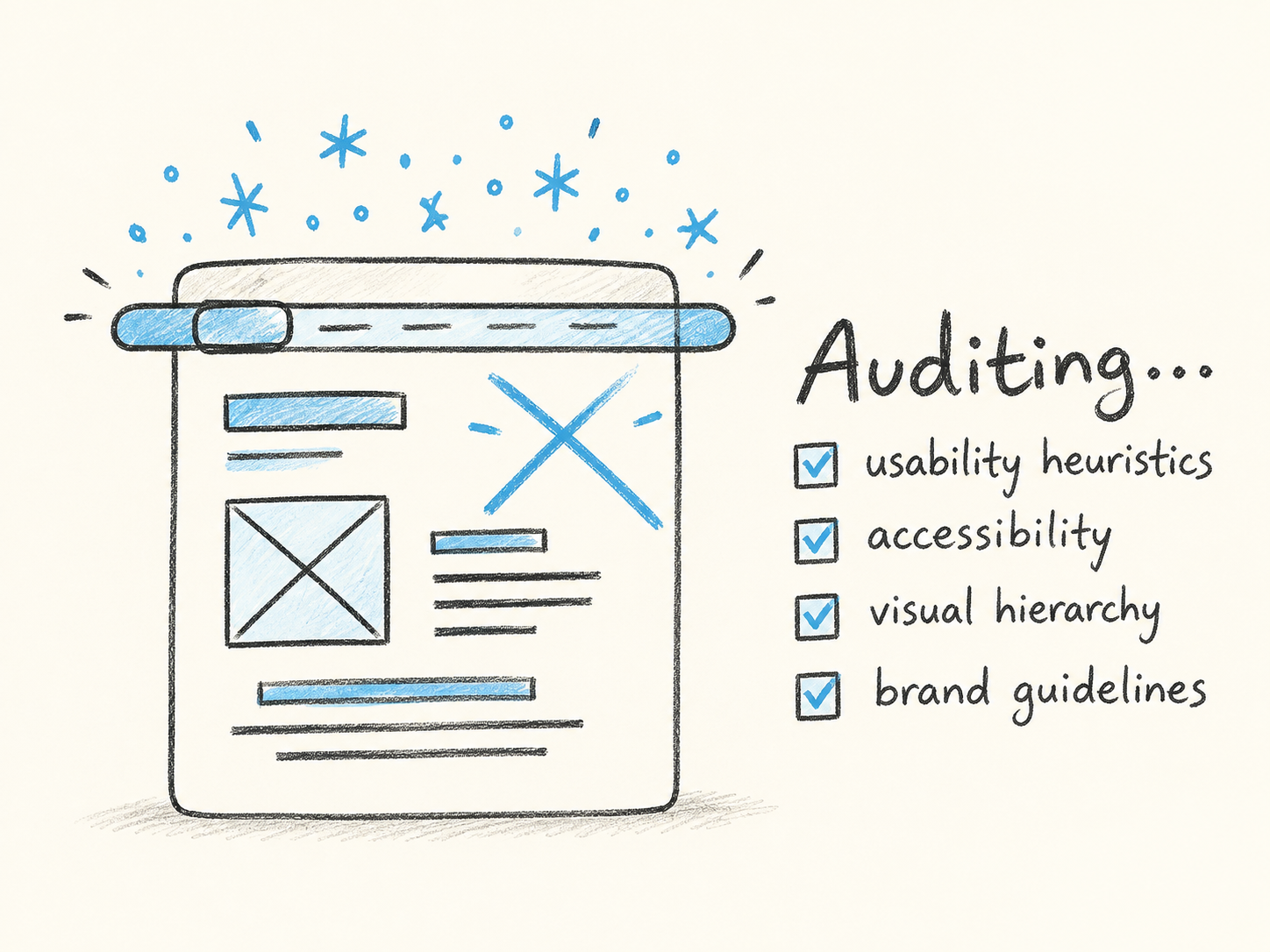
As products and design systems grow, evaluation work becomes harder to run consistently. Teams repeat accessibility checks, visual reviews, content critiques, and heuristic analysis across many screens and iterations.
The friction is not only time. It is uneven quality, late feedback, missed consistency issues, and cognitive load for designers who need to make decisions quickly. UX-Ray started with a question: how can AI help teams scale evaluation without reducing the role of human designers?
AI should support UX workflows, not replace human design thinking. UX-Ray acts as an operational assistant that surfaces patterns, explains risks, and helps designers focus their attention.
Flags usability risks using established interaction principles and severity levels.
Reviews contrast, readability, and WCAG-style indicators to surface common barriers.
Identifies spacing, alignment, structure, and emphasis issues that affect scanning.
Compares interface choices against custom typography, color, spacing, and style rules.
The architecture turns recurring checks into a consistent five-step review flow, surfacing issues earlier while designers decide priorities.
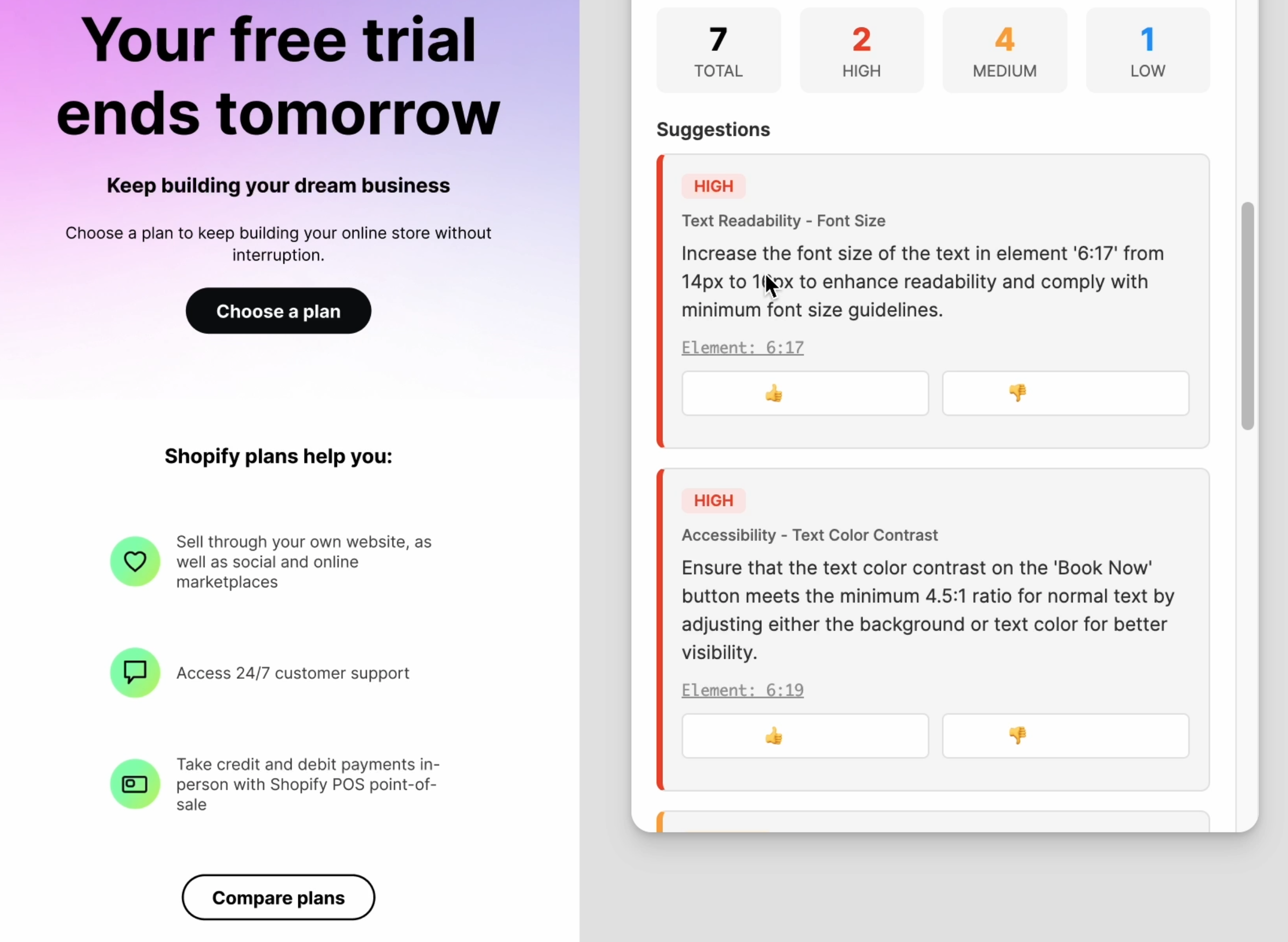
The product flow moves from a selected Figma frame to an AI-assisted audit report with visual annotations and recommendations.
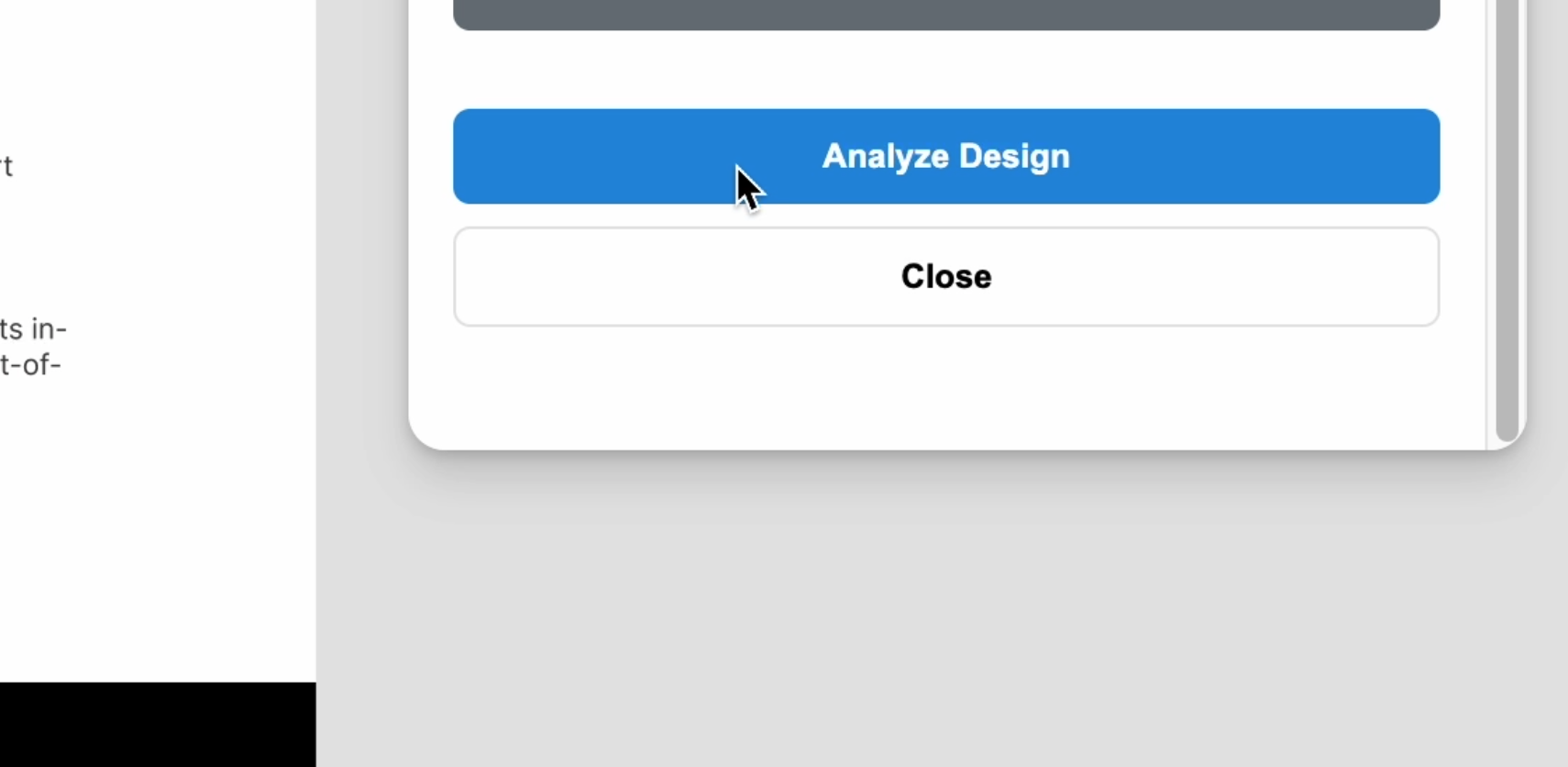
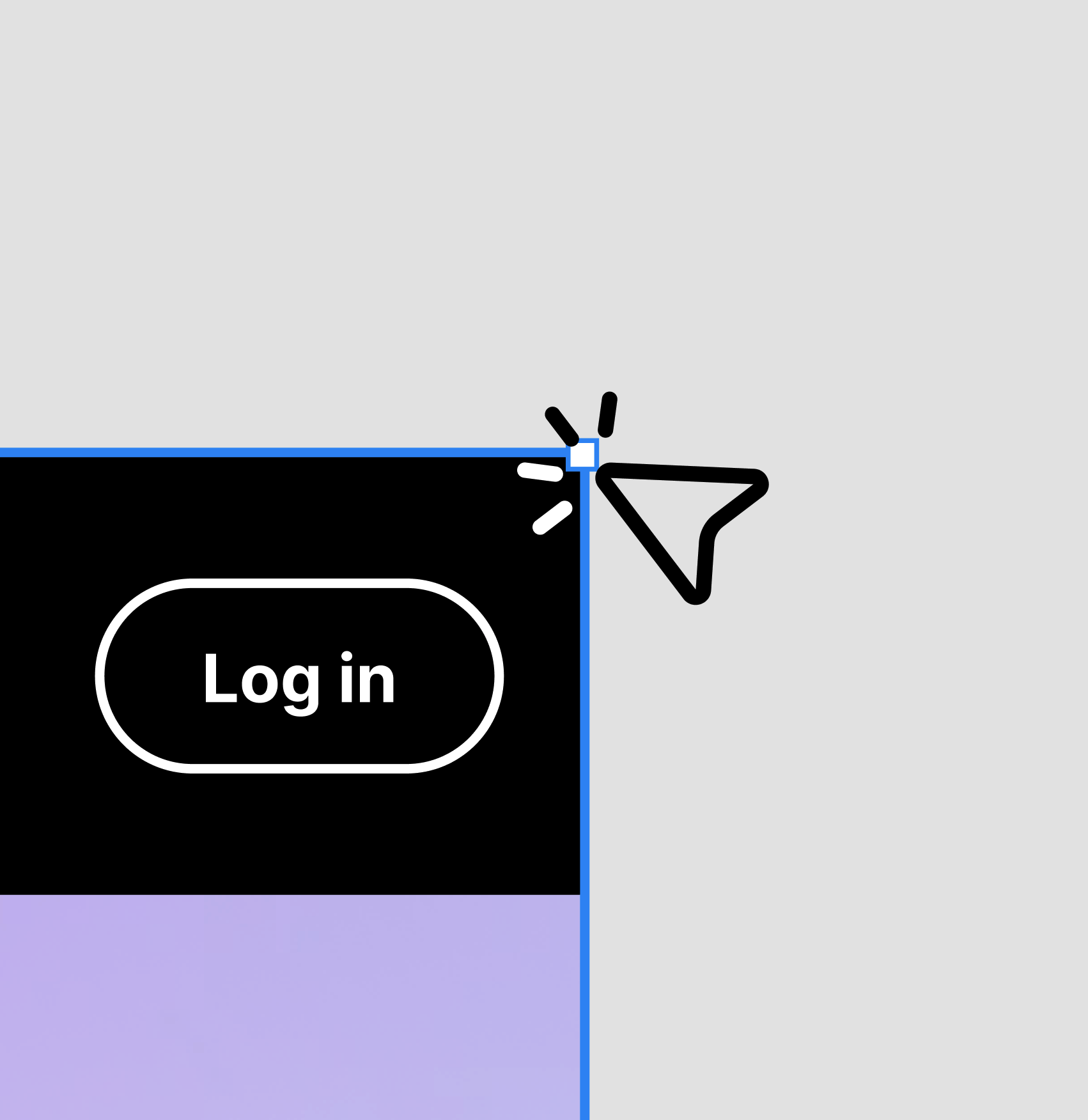
Choose the Figma frame you want to evaluate.
Activate the AI-powered analysis engine from inside the working context.
Review actionable findings with visual annotations and recommendations.
Evaluation foundation GPT + Figma API + Human UX Strategy
The longer-term direction is team-wide evaluation, organization-specific guidelines, and AI-assisted governance for distributed or regulated teams. The focus is consistent review language and faster routing of issues that need human judgment.
Team workspaces, collaborative reviews, and version-aware feedback can make the audit process easier to coordinate across product teams.
Custom guidelines, advanced analytics, API integration, and tailored reporting point toward a more adaptable design-operations layer.
I defined the product concept, evaluation logic, UX flow, and AI-assisted feedback model.
A working concept for faster feedback loops, more consistent UX reviews, and less repetitive operational work, with a path toward scalable design operations.
Structured analysis can improve clarity, consistency, and operational flow in product organizations. The expertise still has to come from a person.
UX-Ray is an independent R&D concept and is not affiliated with Figma or OpenAI. Performance figures and projected improvements are based on internal experimentation, industry benchmarks, and exploratory testing rather than production-scale deployment.